 LifeTicker
A simple source of daily joy!
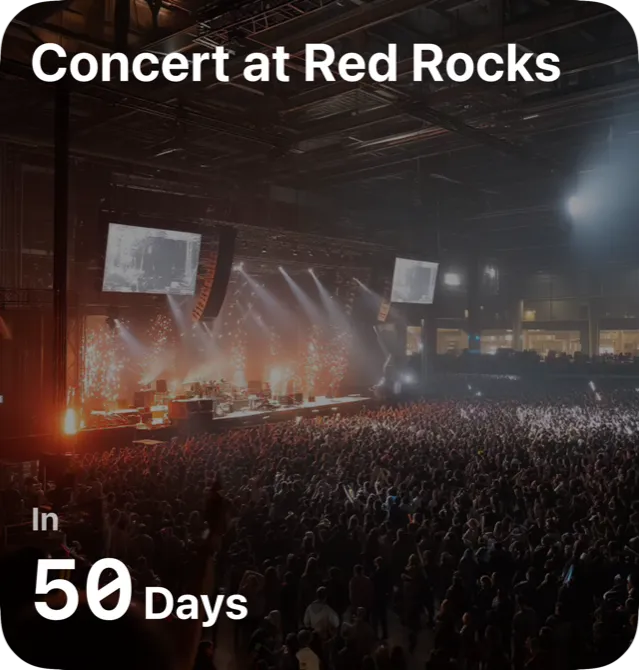
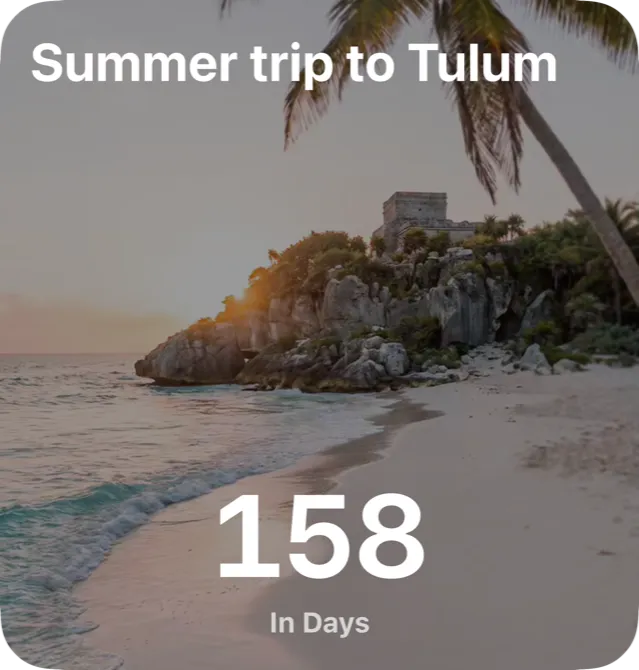
Count the days to the trip, the birthday, the concert. A countdown, a widget, and a reminder right on time—on your own or together.

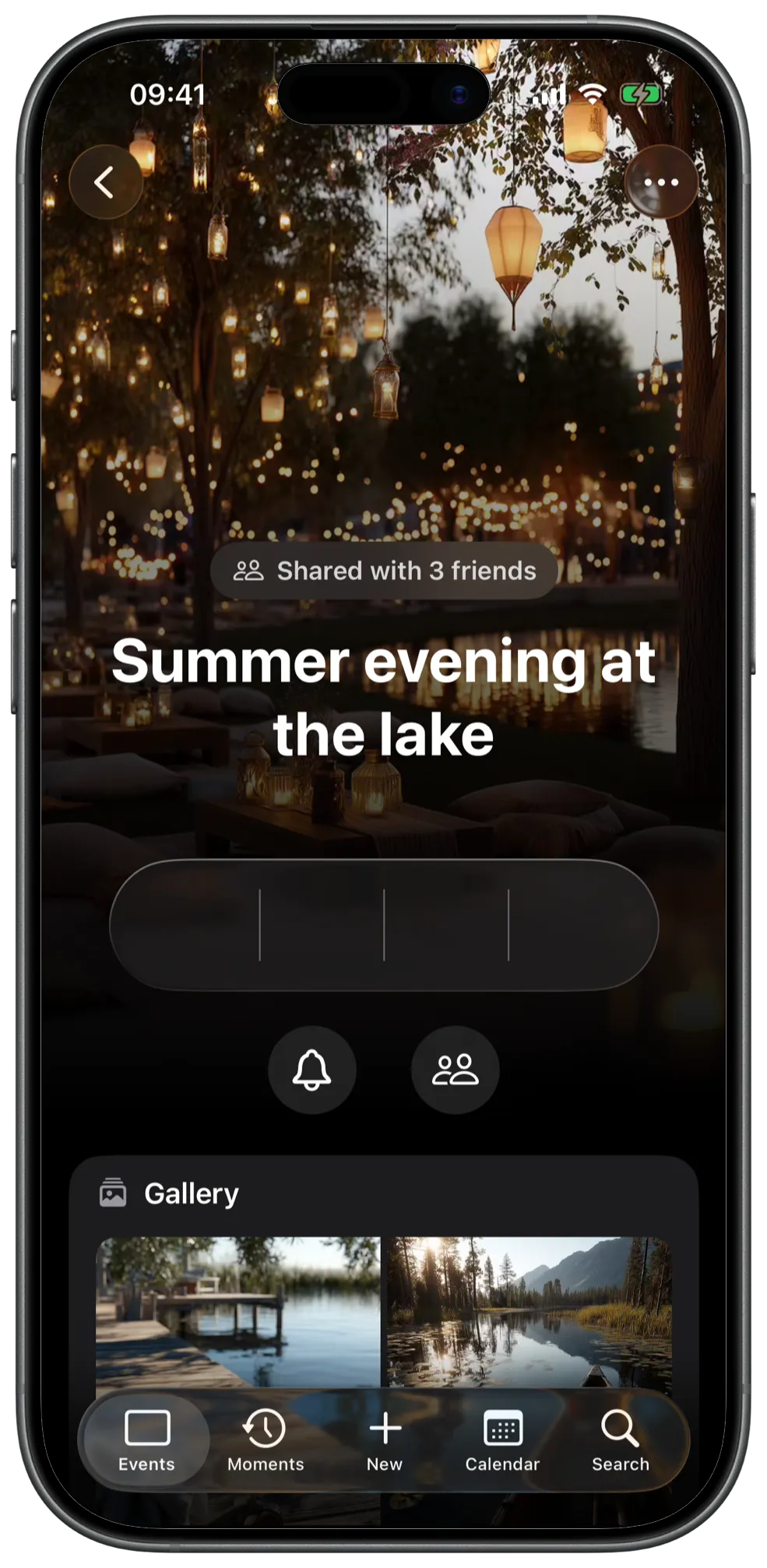
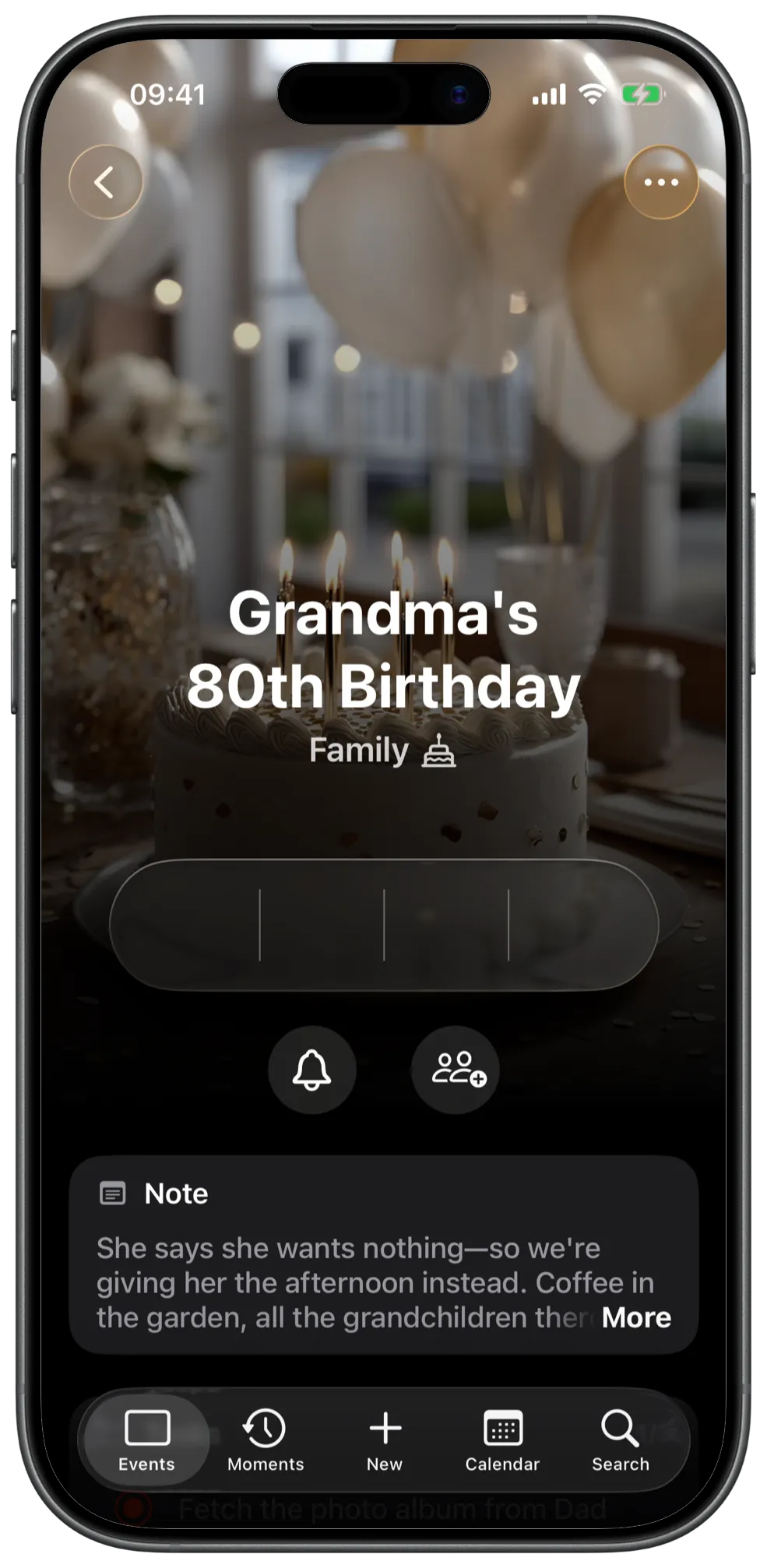
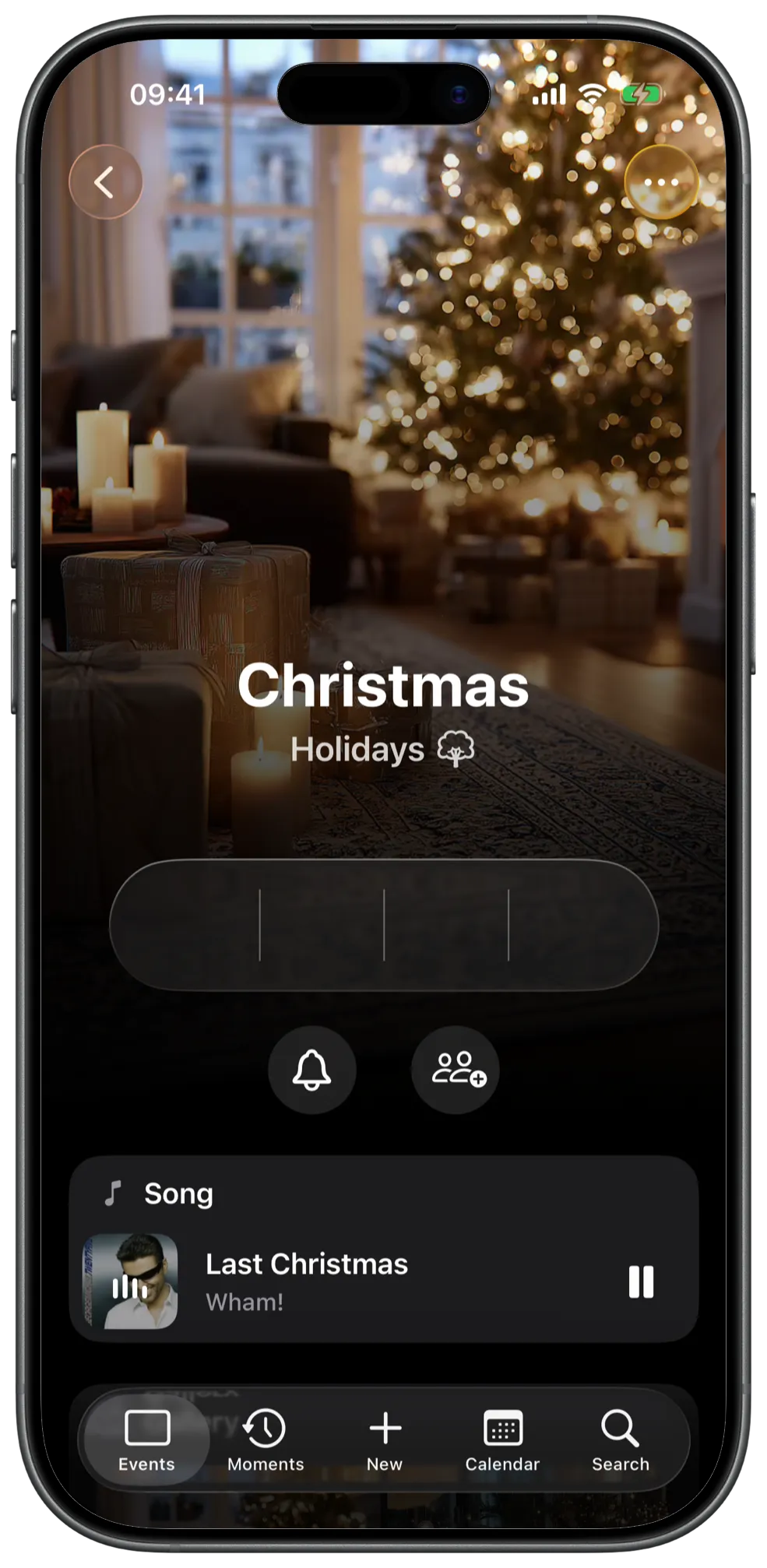
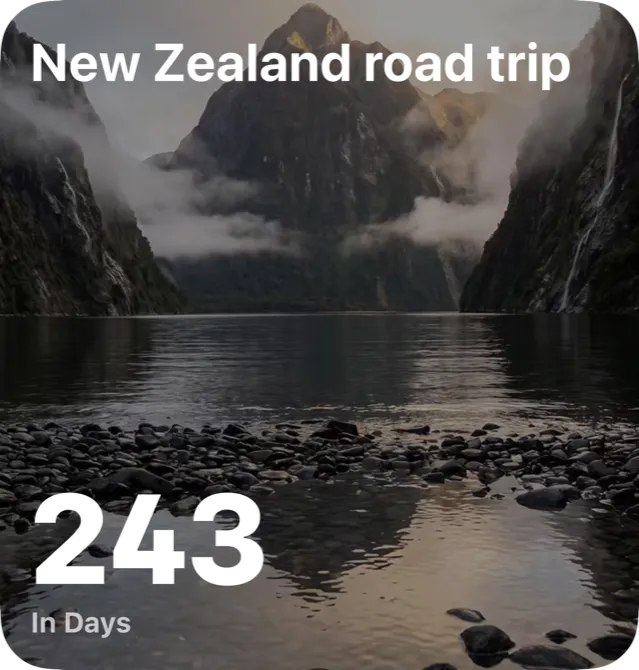
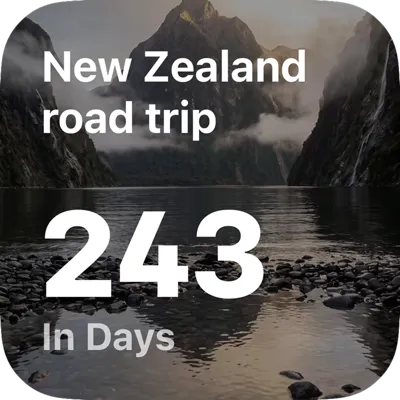
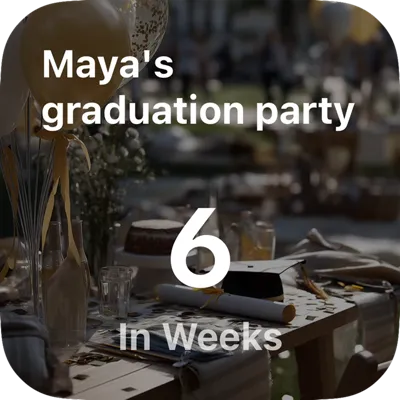
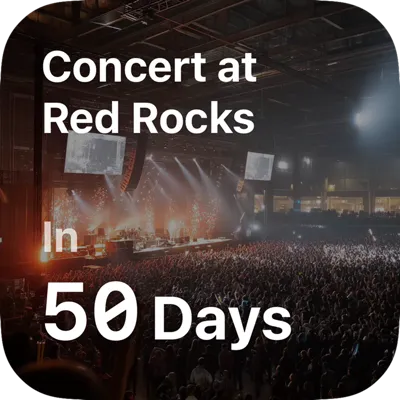
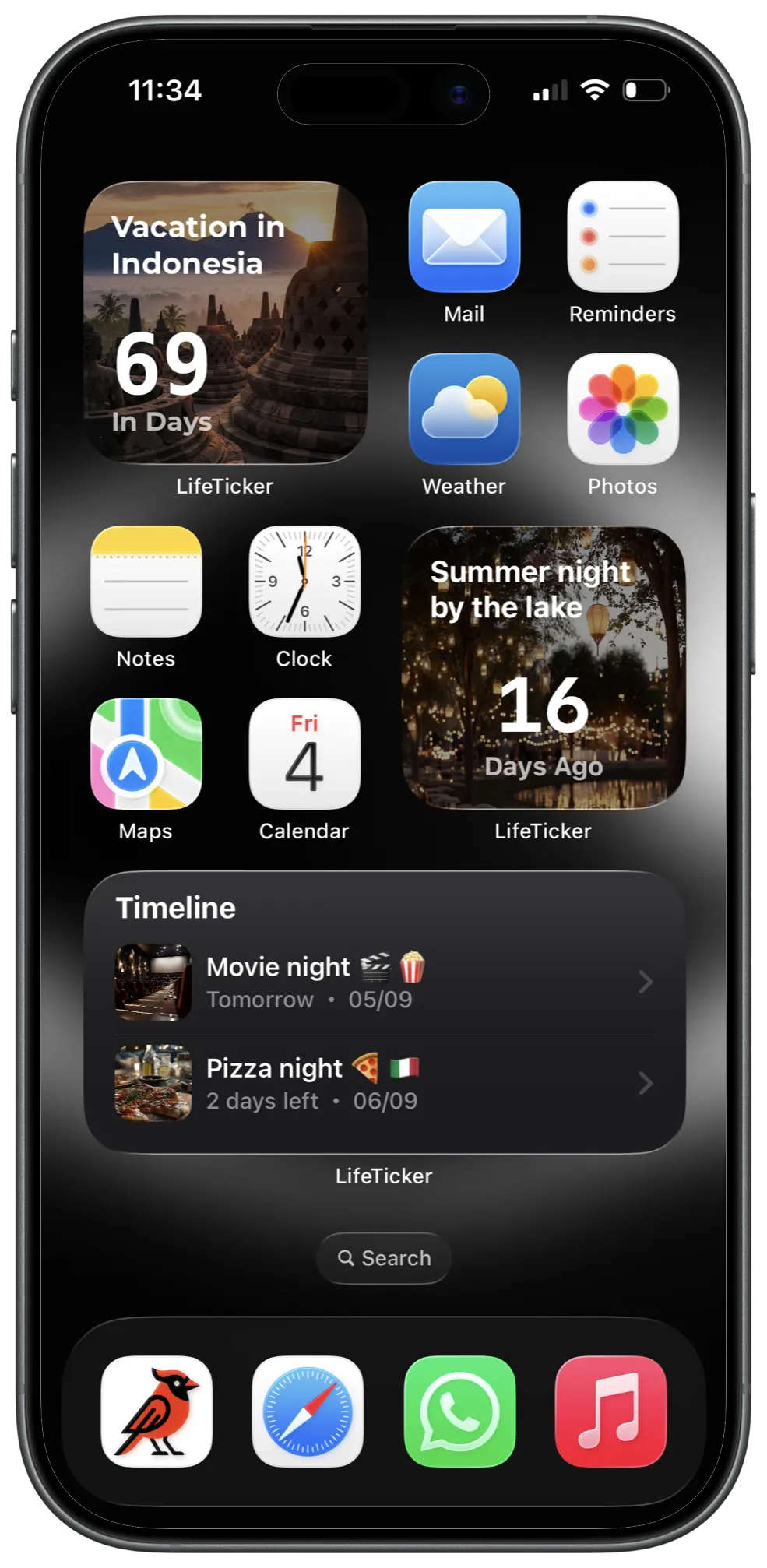
Right on your Home Screen
Put your countdowns on the Home Screen or the Lock Screen as a widget. And when the day comes, the reminder arrives right on time.




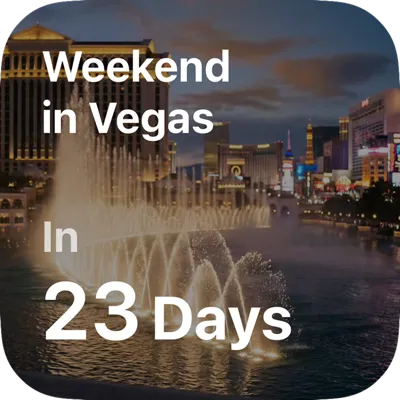
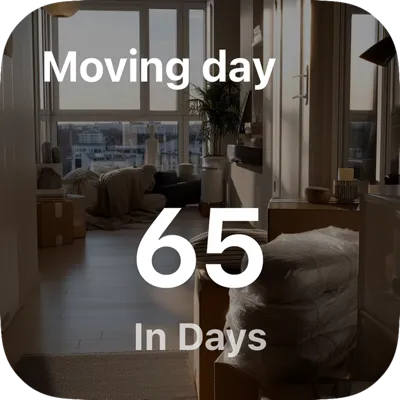
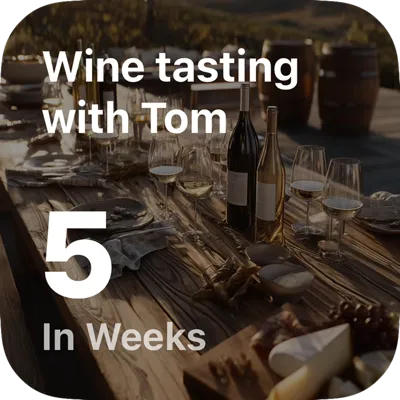
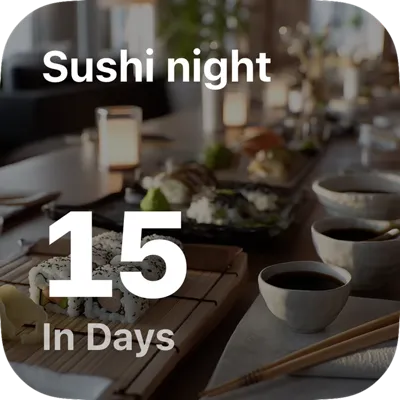
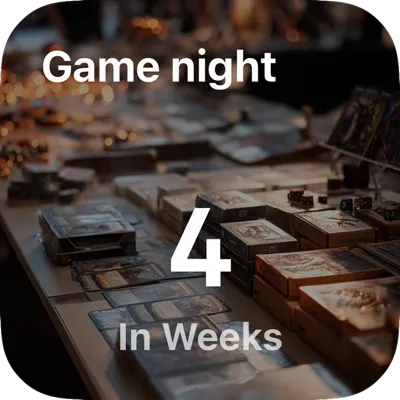
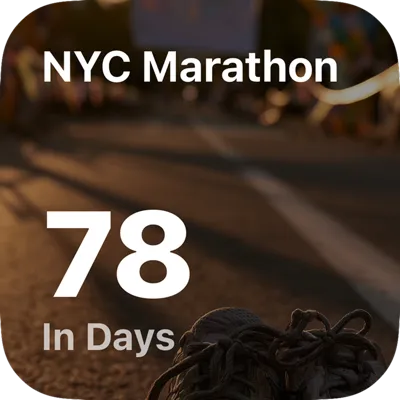
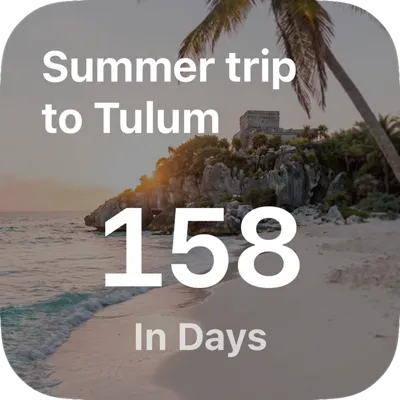
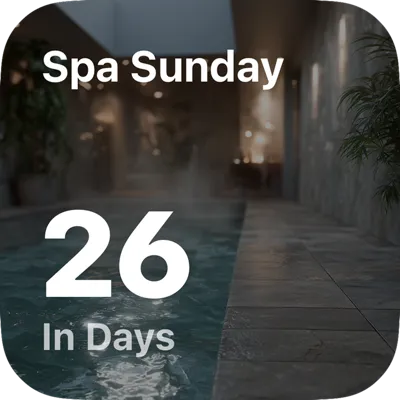

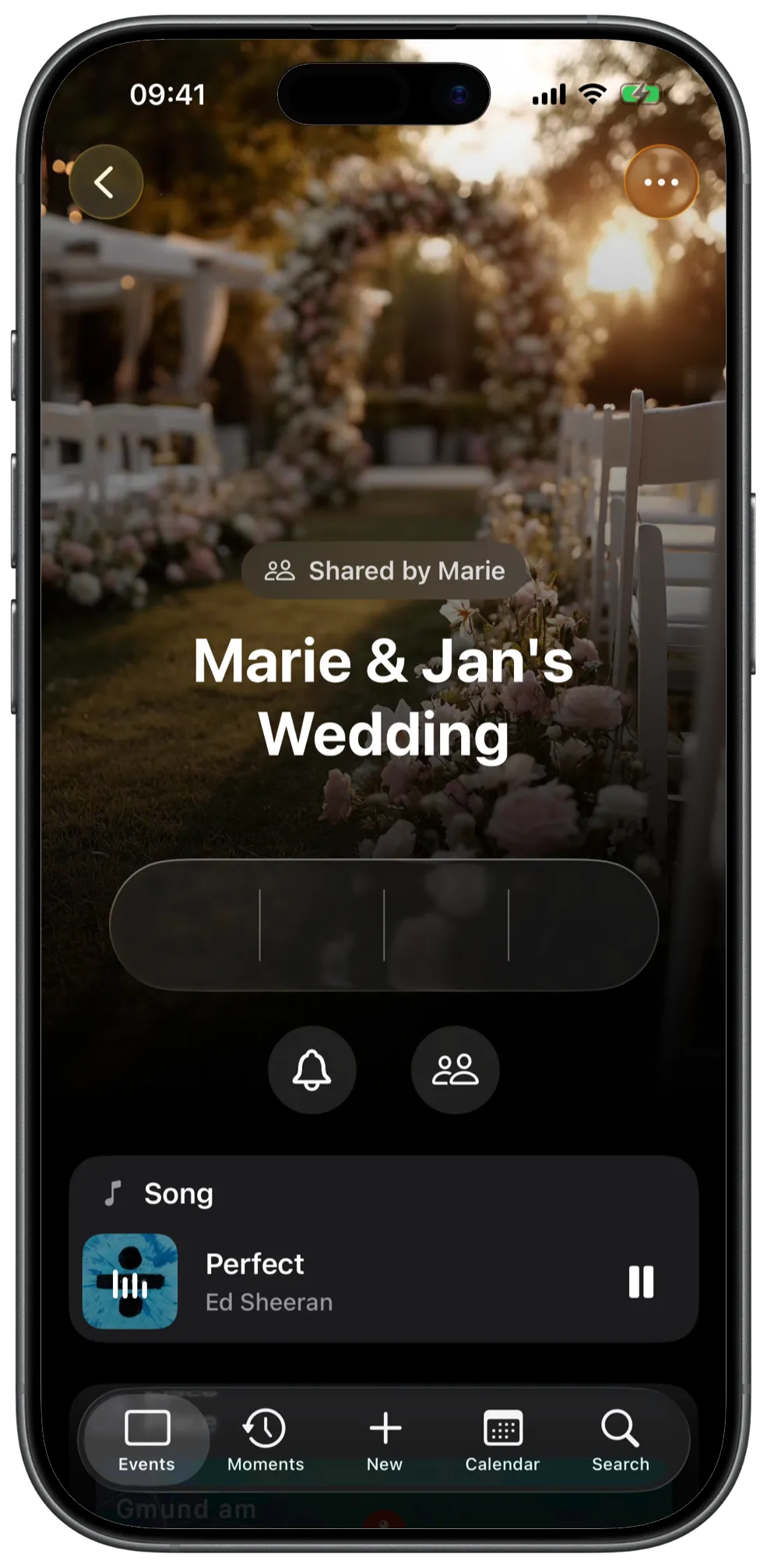
Count down together
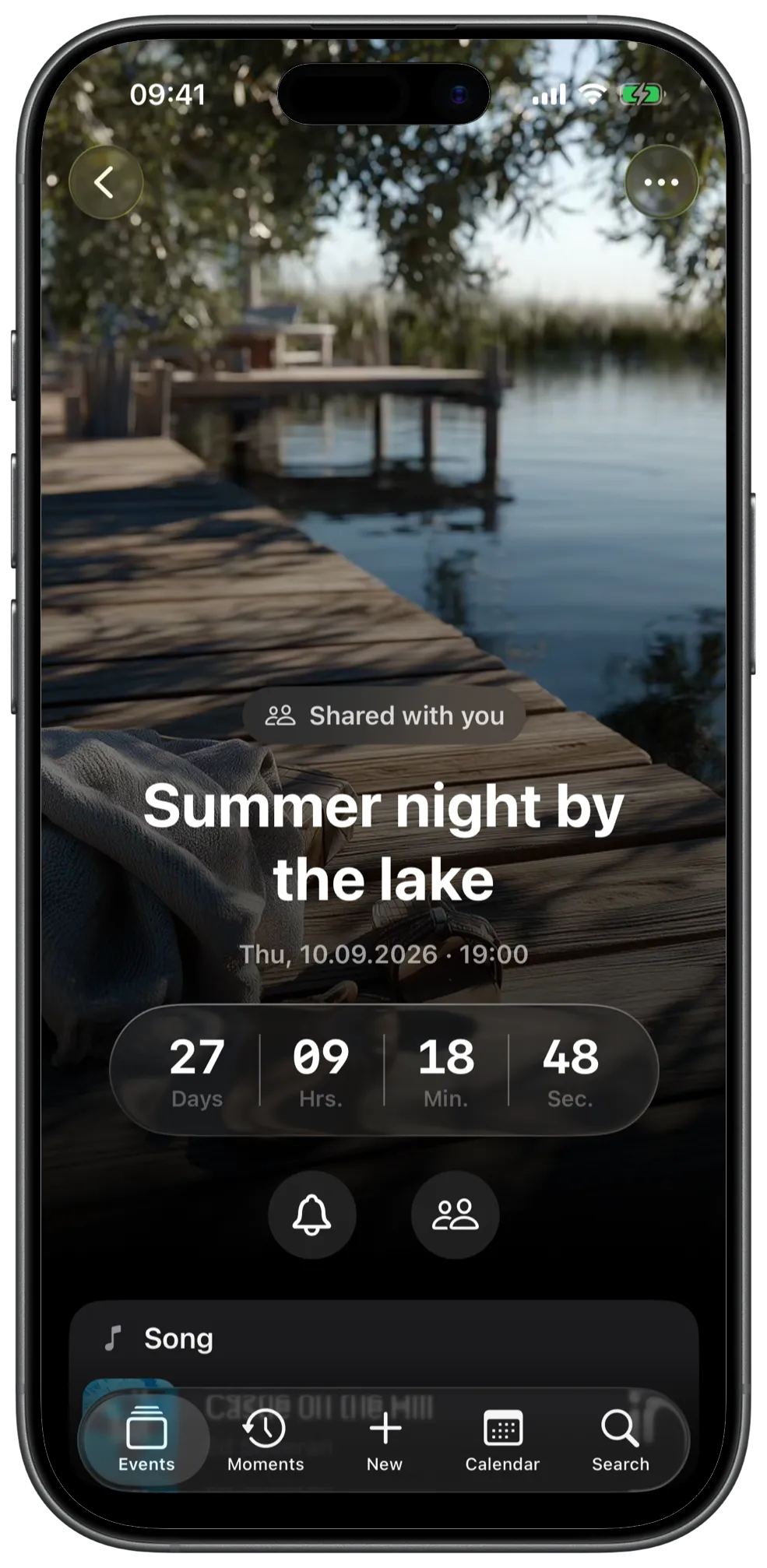
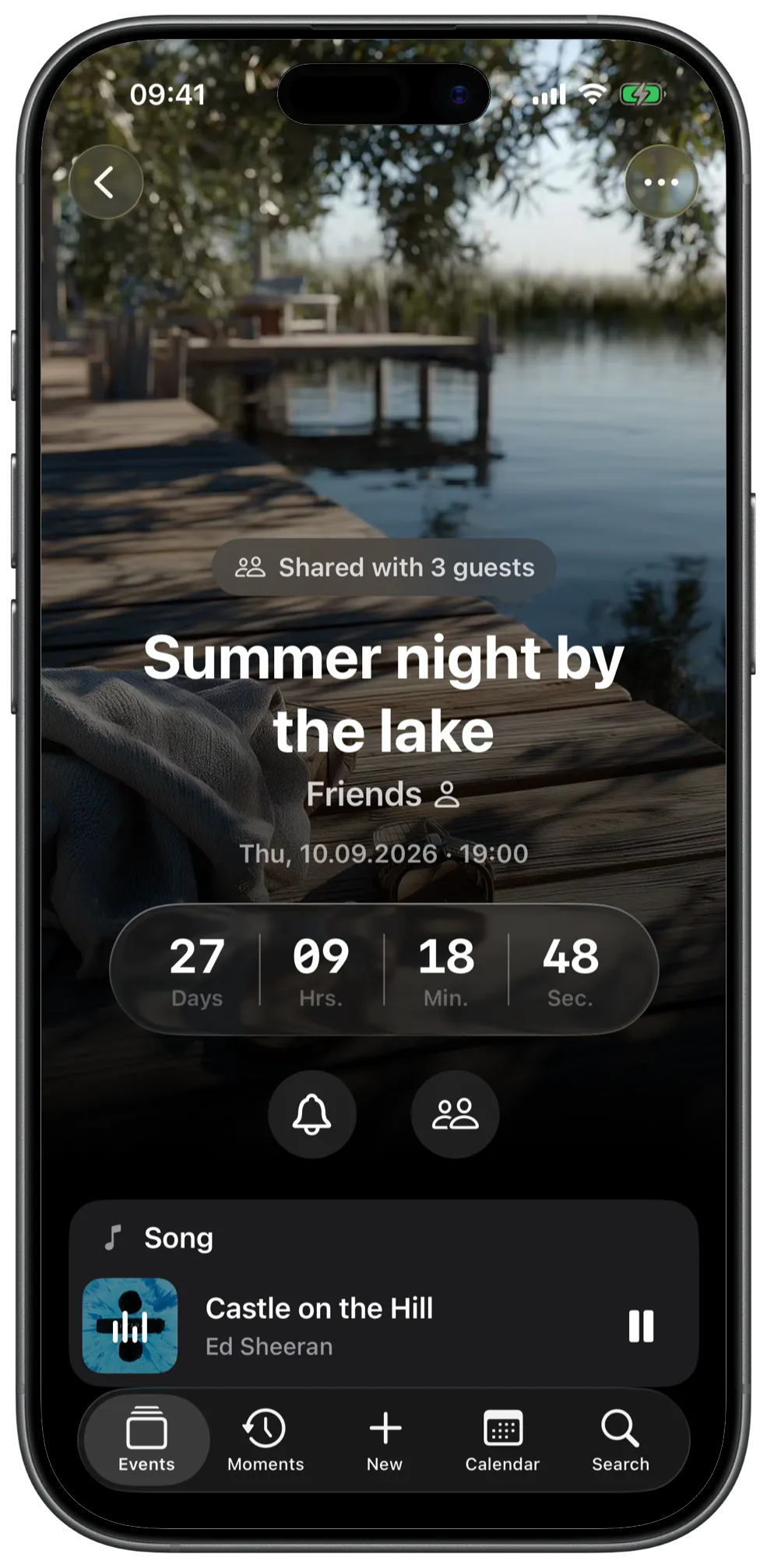
Share an event with the people who’ll be there. Everyone sees the same countdown, the same photos, the same note. When you change something, everyone sees it.
The others need LifeTicker and their own iCloud for this.
More than a date
Keep photos, music, notes and more with each event. Tap whatever interests you.
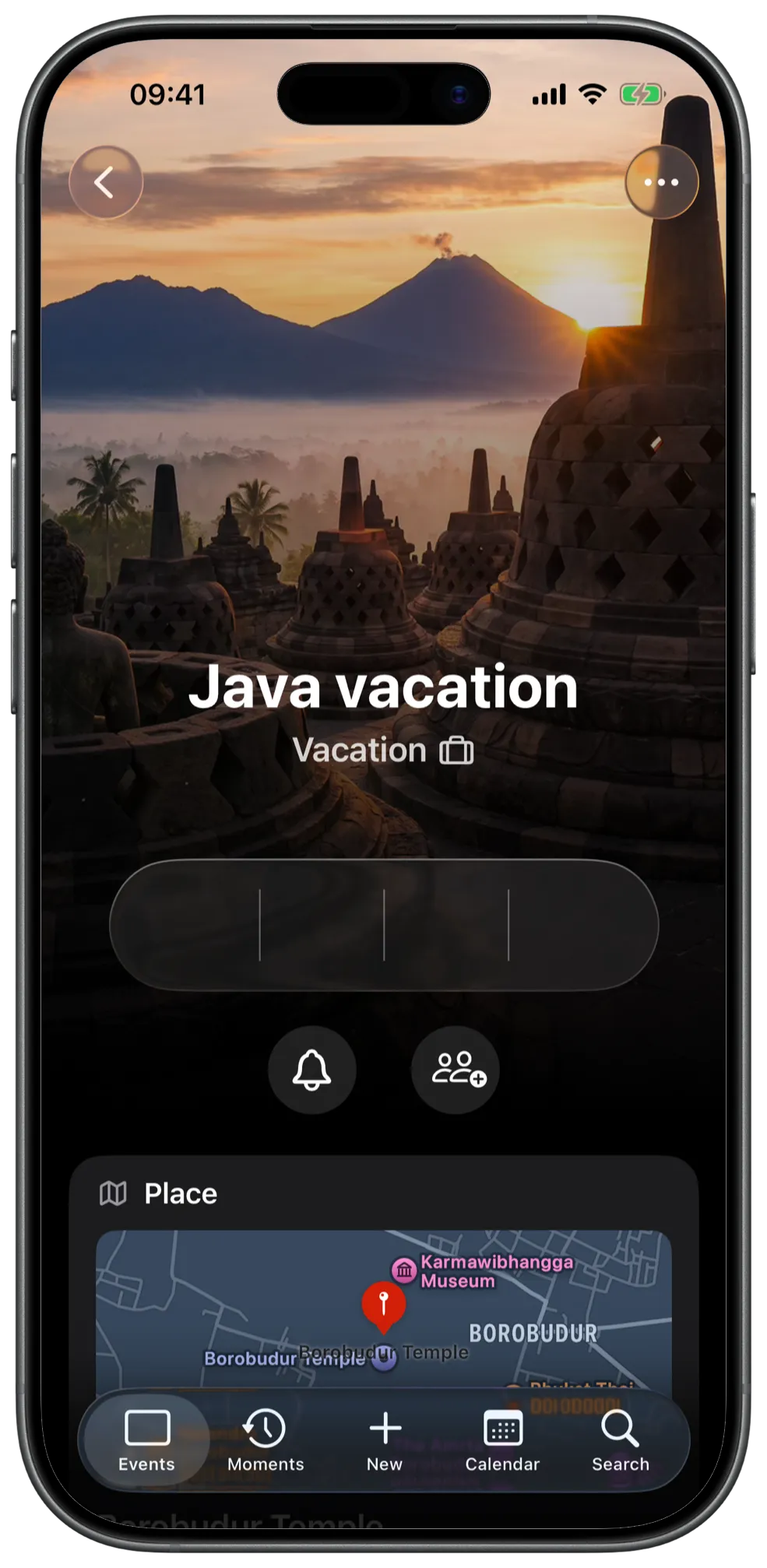
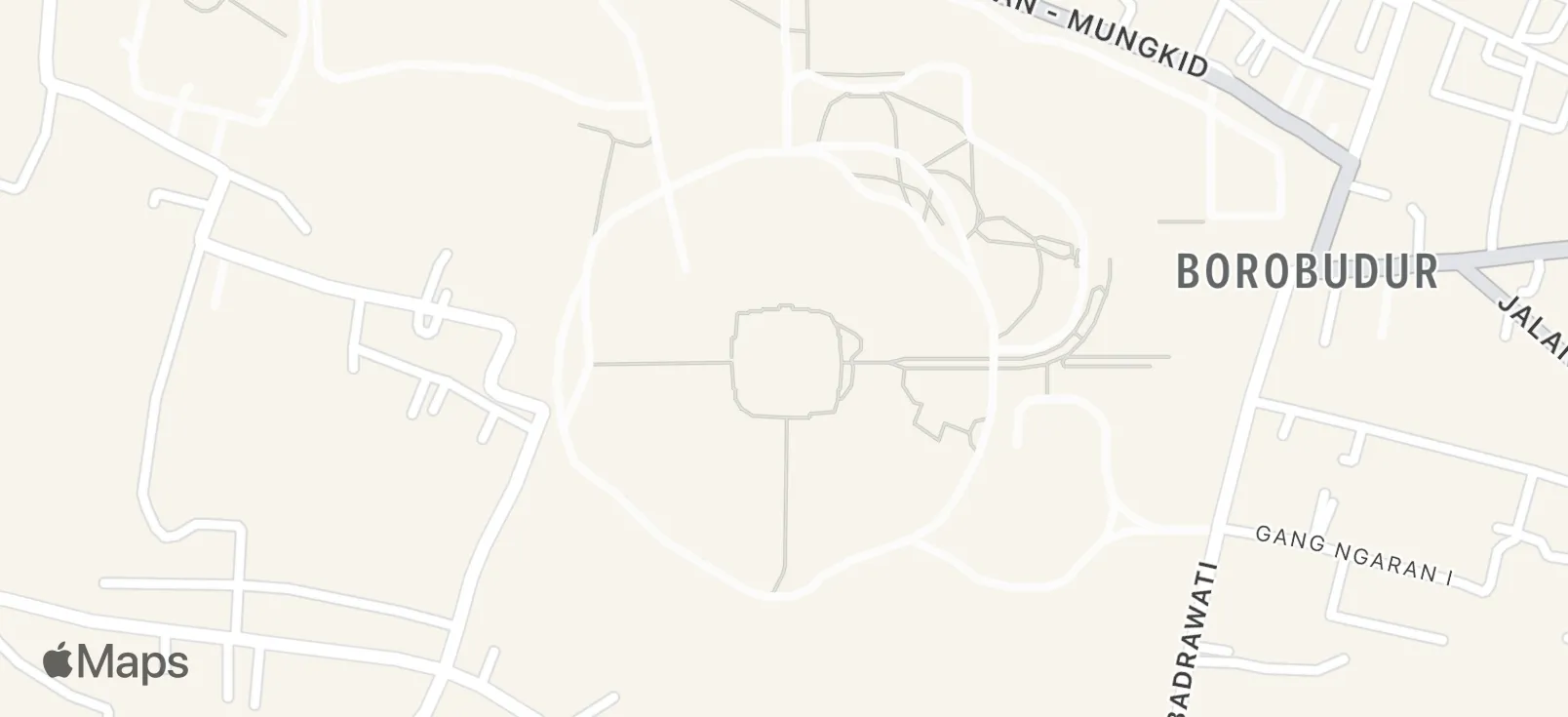
The place sits on the map—one tap opens it in Maps.
Months later it is still clear where it was – no digging through chats or mail.
One song per event—the preview plays when you open it.
The preview plays without a subscription – with Apple Music, the full song.



Pictures gather on the event—anticipation before, memory after.
Pictures from your library stay with the event – no extra album needed.











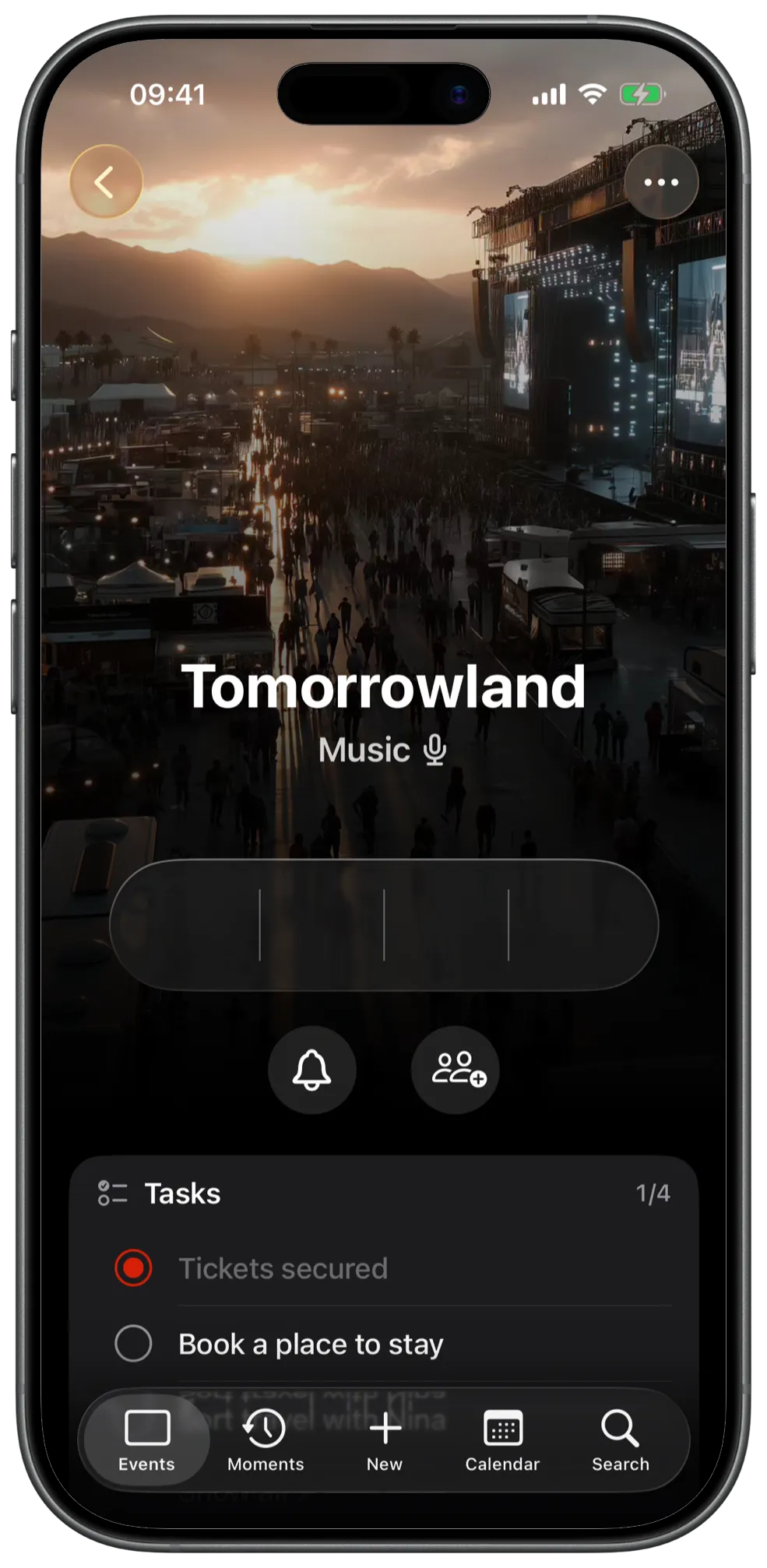
What needs doing beforehand lives on the event, not in a second app.
In shared events guests see the list too – everyone knows what is covered.
Java vacation
- Check passport
- Sort out vaccinations
- Pack the case
- Buy an adapter
Tomorrowland
- Check the tent
- Get the wristbands
- Charge the power bank
Christmas
- Get the tree
- Buy the presents
- Bake cookies
- Order the goose
- Write the cards
Marie & Jan's Wedding
- Try on the suit
- Wrap the gift
- Practice the speech
- Order the flowers
Room for everything you would otherwise forget.
Door code, meeting point, gift idea – the note is where you would look.
Java vacation
Sunrise from 5:30—leave early, it’s worth it. Don’t forget the headlamps, the path up is pitch dark.
Grandma's 80th Birthday
Gift idea: a photo book with all the grandkids—don’t tell yet! Collect the pictures by late January, Aunt Ines will ask the cousins.
Summer evening at the lake
Bring a blanket, string lights, and something cold for everyone. If it rains we move to Jan’s garage—send a quick note then.
Tickets, bookings, details—the link stays with the event.
More than one per event is fine – tickets, stay, playlist.
Java vacation

Borobudur Tickets
Java vacation

Magelang guesthouse
Tomorrowland

Festival timetable
And along with it
-
Calendar
Every event as a picture tile across the month—you see what’s coming at a glance.
-
Repeats
Enter birthdays and anniversaries once. The next date is added automatically.
-
Pinned
Whatever matters most right now stays at the top.
-
Archive
Past doesn’t mean gone. Events that have happened move to the archive, photos and all.
-
Apple Watch
Your next countdown on your wrist, as a complication on the watch face.
-
Reminders
You decide when you hear about it—the day before, a week ahead, or both.
-
Your events, your iCloud
Your events live on your iPhone and in your iCloud, not on LifeTicker servers. Only for the link preview when sharing do we store the title and the share link. No ads, no tracking across apps.
What others write
-
A simple source of daily joy!
It’s easy to set up and has some cute features.
AliceDigitalis · App Store
-
It’s clean, does more than I expected (photos, music, notes for each event), and it’s genuinely nice to look at every day.
You can tell this is someone who actually builds for the people using it, not just cranking out features.
Faceofcase · App Store
-
It is elegant, simple to use, can be customized visually, and worked awesomely as a widget to help me countdown to a big day.
The creator is helpful, too.
wreckitrocco · App Store
No feature costs extra
Everything on this page is included for free—widgets, reminders, shared events, song, place, and gallery. You only pay if you need more than 20 events.
Free
20 events
Every feature, no time limit.
Unlimited
from €0.99
a month, €7.99 a year, or €9.99 once.
No subscription needed: pay once and you’re set.
Questions
Where are my events kept?
In your iCloud, not on a LifeTicker server. Without iCloud they stay on your device.
Which devices does it run on?
On iPhone and iPad, plus Apple Watch. Widgets work on the Home Screen and the Lock Screen.
Does the other person need the app?
Yes. Anyone counting down with you opens the shared event in LifeTicker. Without the app, the invitation leads to the App Store first.
Do I need iCloud?
For sharing, yes—on both sides. Counting down on your own works without it; your events then stay on the device.
Can other people see my events?
Only the ones you share yourself—and there you decide: only people you approve one by one, or anyone who gets your link. Nobody but you sees anything else.
Why doesn’t the AI beta run on every iPhone?
Because everything is processed on the device instead of on a server. LifeTicker uses the language models Apple builds into iOS from the iPhone 15 Pro on. The upside: the suggestion is made on the device, without a server. The downside: older iPhones can’t join yet—everything else in LifeTicker works there as usual.